Every truck on the right ramp, at the right time
No more booking by phone, email and spreadsheet. Scheduled transport orders automatically become dock appointments, and carriers and suppliers can book their own slots.
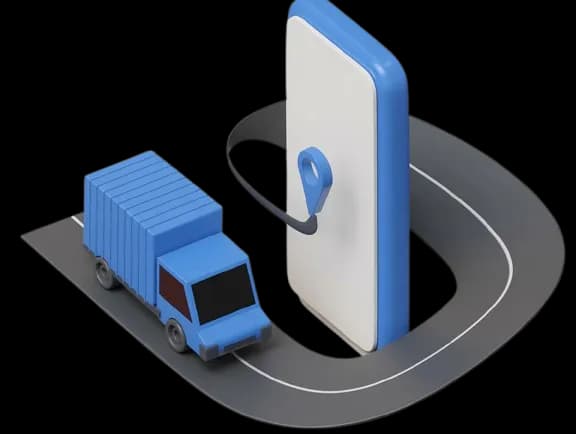
Automatic creation of docking orders
When a transport order is scheduled, alpha-TMS checks whether its collection or delivery address is set up for dock scheduling. If it is, a docking order is created automatically, with no manual entry and no separate booking. The dock schedule is fed straight from the transport you have already planned.
Because the docking order comes from the transport order itself, the data is already in the system and already correct, with none of the re-entry or integration a standalone dock tool would need.
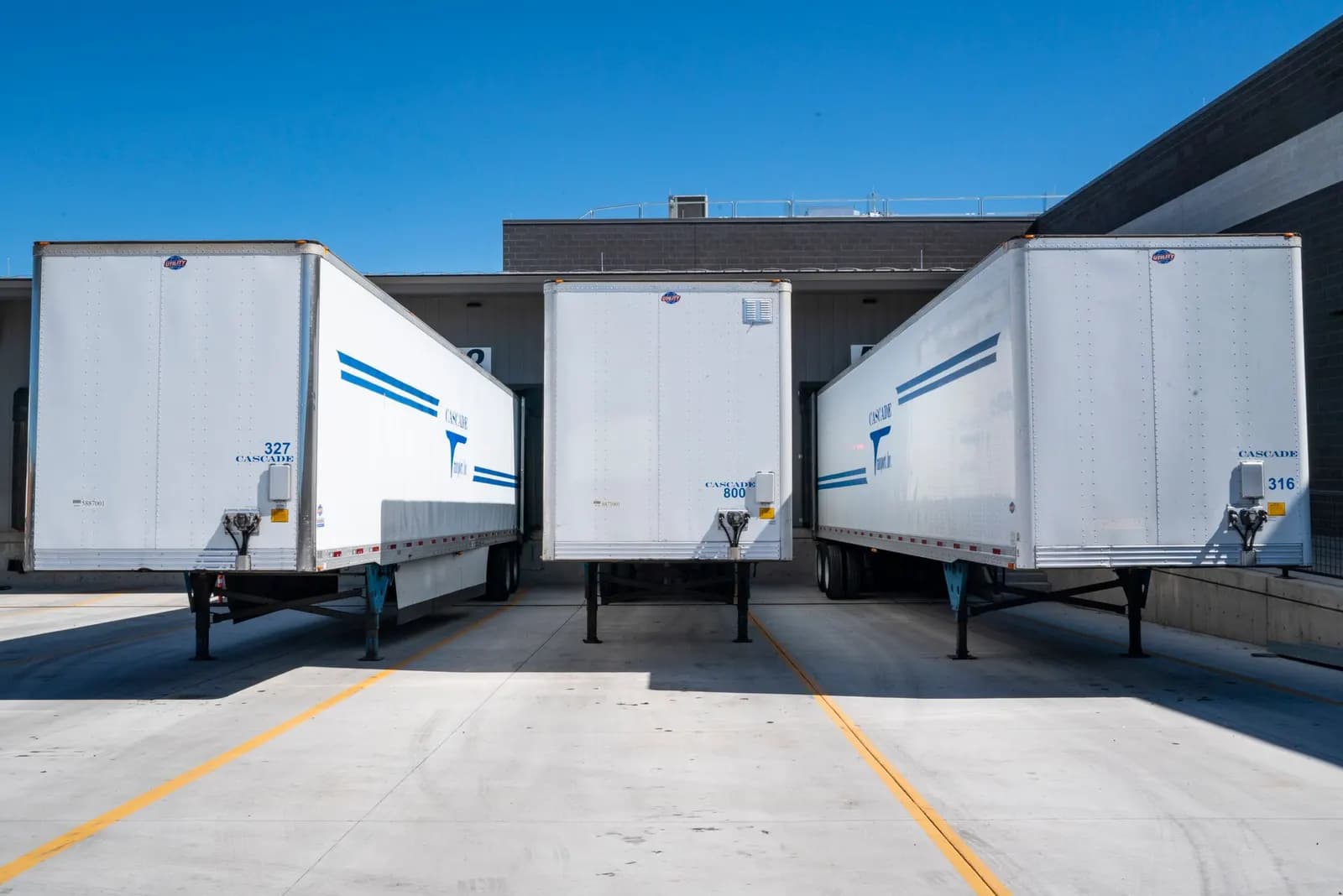
Combine and schedule
Not every docking order needs its own truck. Groupage and smaller LTL shipments can be combined into a single truck, automatically or by hand, and then placed on the dock schedule. Each booking lands on the ramp-and-time-slot calendar, either auto-scheduled using your own rules or dragged exactly where you want it.
With everything on one calendar, you see ramp capacity at a glance and keep the docks evenly loaded across the day. That prevents the costs of waiting and congestion that build up when trucks arrive unannounced at the same time.
A shared schedule on your terms
The dock schedule is shared, but you stay in control. You can book slots yourself, or let your carriers book their own. You decide which carriers may schedule, and how late they may still book a slot. You can also reserve specific ramps and times for specific carriers, so only the intended carrier can take that slot.


Delegation and external suppliers
Dock scheduling reaches beyond your own carriers. Your carrier can delegate a docking order to a third party with their own alpha-TMS account, such as a subcontractor, and you always see to whom it has been delegated. You can also share a link to the dock schedule, for example, by adding it to your purchase orders, so external suppliers can book their own inbound slots even when their transport is not organised through alpha-TMS. Everyone who delivers to your dock works from the same schedule.
Standalone dock scheduling
The dock scheduling module works whether or not you use the rest of alpha-TMS. Docking orders are automatically created from your transport orders, or can be created manually. The latter allows the module to run entirely on its own. Start with dock scheduling alone, and add the rest of alpha-TMS whenever you are ready.
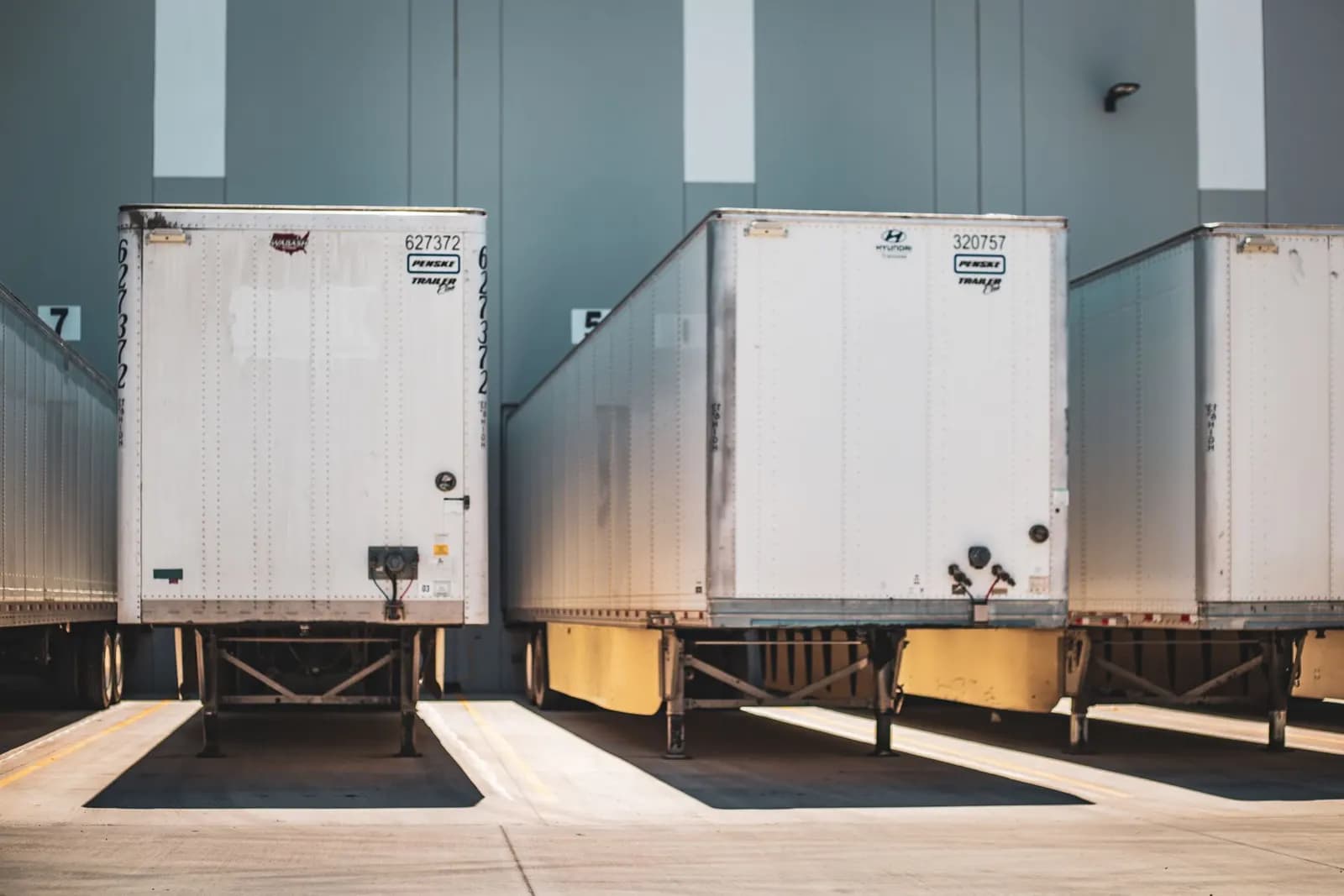
No congestion and no waiting costs
With every arrival or collection planned in advance, there is no congestion at the gate and no more costs from carriers waiting too long to be loaded or unloaded. Here is what dock scheduling with alpha-TMS will bring you.
Automatic docking orders
Created from your transport orders, with no manual entry.
Manual docking orders
Created directly, so the module runs standalone.
Combine orders
Groupage and LTL shipments grouped, automatically or by hand.
Automatic scheduling
Auto-schedule or drag an order into the schedule manually.
Capacity insight
Ramp workload in view, so load spreads evenly across the day.
Client or carrier booking
Book slots yourself, or let carriers book their own.
Access control
Decide which carriers may schedule, and the booking deadline.
Ramp reservations
Hold specific ramps and times for specific carriers.
Delegation
Carriers delegate a docking order to a third party, fully visible.
External supplier link
Suppliers book their own inbound, no alpha-TMS transport needed.
Dock Scheduling Software
Alpha-TMS dock scheduling manages dock and ramp appointments in one shared calendar for shippers, carriers and suppliers. Docking orders are created automatically from transport orders or added manually, combined into full trucks, and placed on a ramp-and-time-slot schedule. Carriers and external suppliers book their own slots within the access rules and deadlines you set, while ramp reservations hold specific times for specific carriers. By replacing phone calls, emails and spreadsheets with planned appointments, alpha-TMS cuts waiting times, congestion and detention costs and improves dock utilisation. The module runs as part of the full alpha-TMS transport management system, or completely standalone.
Frequently asked questions
Everything you need to know about alpha-TMS
What is dock scheduling?
Dock scheduling is the planning of truck arrivals and departures at your warehouse or distribution centre. With alpha-TMS, every transport order that is scheduled automatically generates a docking order, which is placed on a ramp-and-time-slot calendar. Carriers and suppliers book their own slots within the rules you set, replacing ad-hoc phone calls, emails and spreadsheets with planned appointments.
Do my carriers need an alpha-TMS account to book a dock slot?
Yes, both carriers (not familiar with alpha-TMS) and suppliers need their own alpha-TMS account to schedule docking orders. They receive a secure link by which they can view the available slots and make a booking. Also when a carrier wants to delegate a docking order to a subcontractor, that subcontractor needs their own alpha-TMS account. Through the secure link you can also create a new docking account.
Can external suppliers book dock slots without using alpha-TMS for transport?
Yes. You can share a link to your dock schedule — for example, by adding it to your purchase orders. External suppliers can then book their own inbound slot even when their transport is not organised through alpha-TMS. This means everyone who delivers to your dock works from the same schedule.
Can I use dock scheduling without the rest of alpha-TMS?
Yes. The dock scheduling module can run completely standalone. Docking orders can be created manually, without a linked transport order, which means you do not need to use the rest of alpha-TMS to benefit from dock scheduling. You can start with dock scheduling alone and add other modules whenever you are ready.
What happens when a transport order is changed or cancelled?
If a transport order that has a linked docking order is changed, alpha-TMS updates the docking order accordingly. Planners are notified of the change so they can confirm or adjust the dock slot. If a transport order is cancelled, the linked docking order is also cancelled, freeing up the slot for other bookings.
How do ramp reservations work?
Ramp reservations let you hold specific ramps and time slots for specific carriers. Only the carrier for whom the reservation was made can book that slot. This is useful for dedicated dock doors, time-critical deliveries, or carriers with special equipment requirements.